Certificates
Impact certificates give you official, professionally designed evidence of the impact you’ve funded, to share with stakeholders. You can generate a certificate for any impact type - trees, carbon avoidance, carbon removals and habitat restoration - over any time period, and each one includes a breakdown of the projects supported in that period.
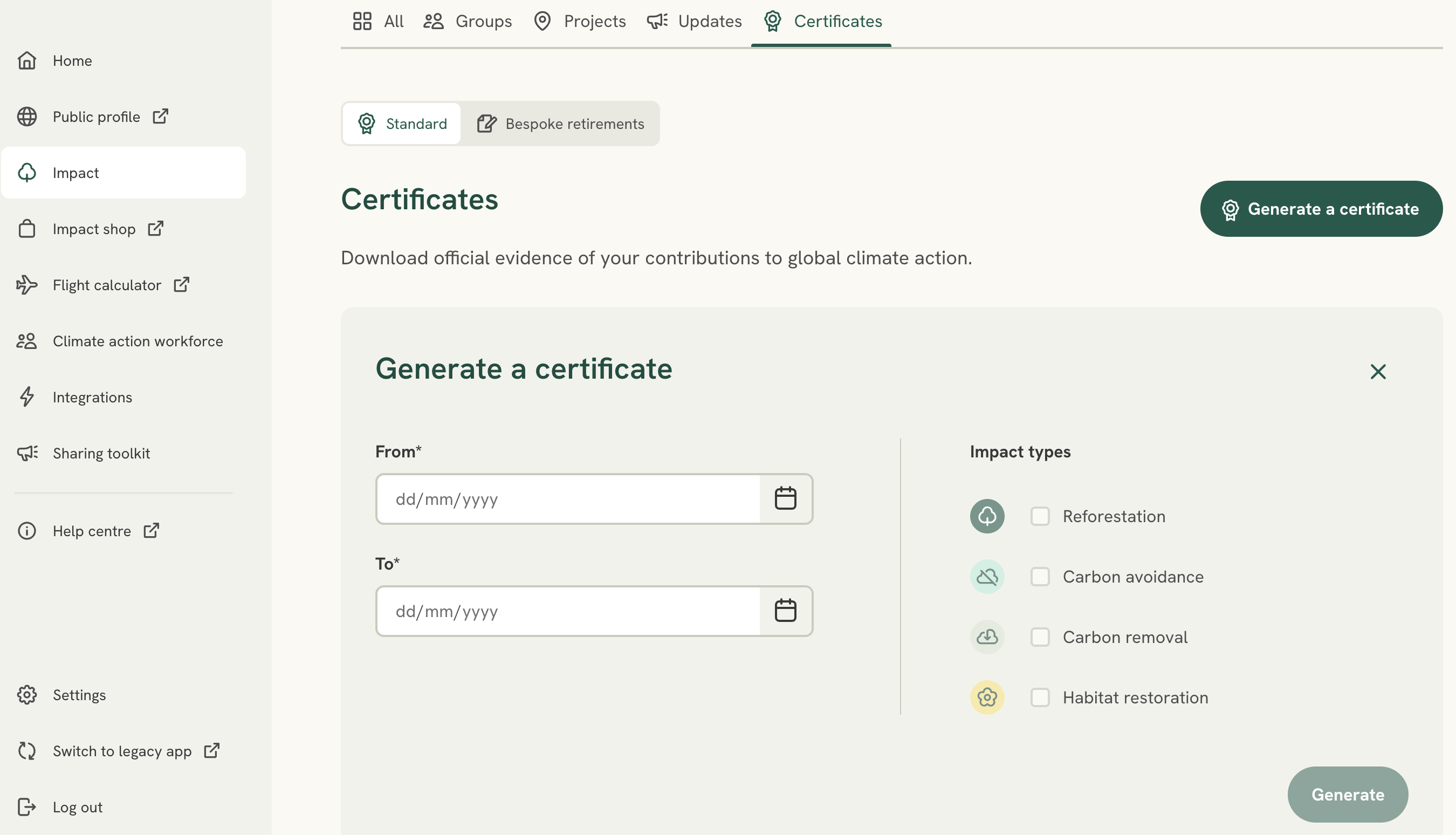
- In the left-hand menu, select Impact, then open the Certificates tab.
- Select Generate a certificate. Choose the date range, and - if you’d like to narrow it - the impact types to include, a specific Impact group, or a specific Impact tile label (handy for sharing tailored evidence with an individual customer).
- Your certificate is created as a PDF and added to your list, where you can Download it (or delete it) at any time.
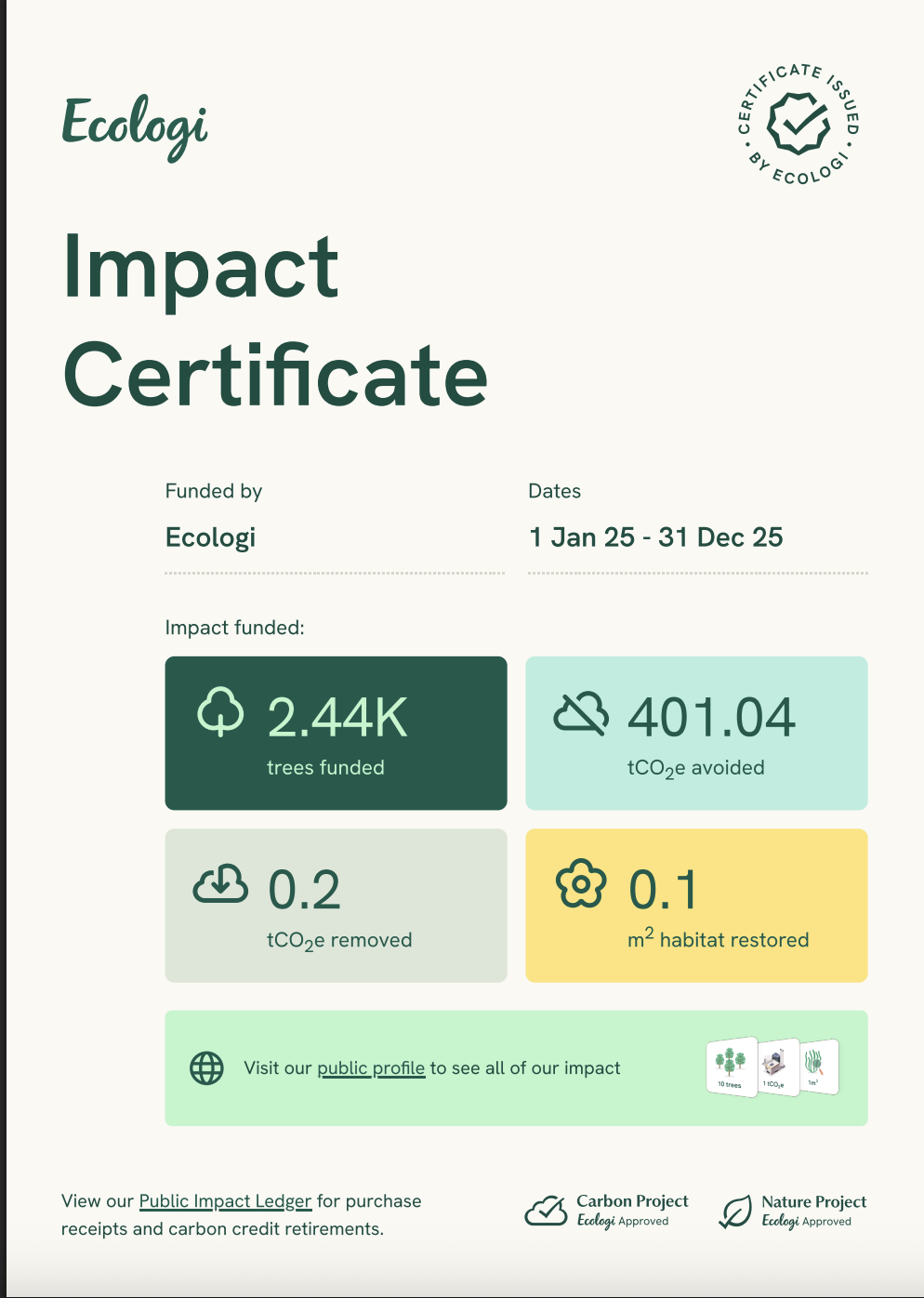
Each certificate shows the impact funded in that period (trees funded, tCO2e avoided and removed, and m² habitat restored), links to your public profile and Public Impact Ledger, and carries the Ecologi-approved Carbon Project and Nature Project marks.
Bespoke retirements: alongside ‘Standard’ certificates, the Certificates tab has a ‘Bespoke retirements’ option for tailored retirement certificates, aimed at larger customers. Please confirm whether this is self-serve yet or arranged with the team.
Badges
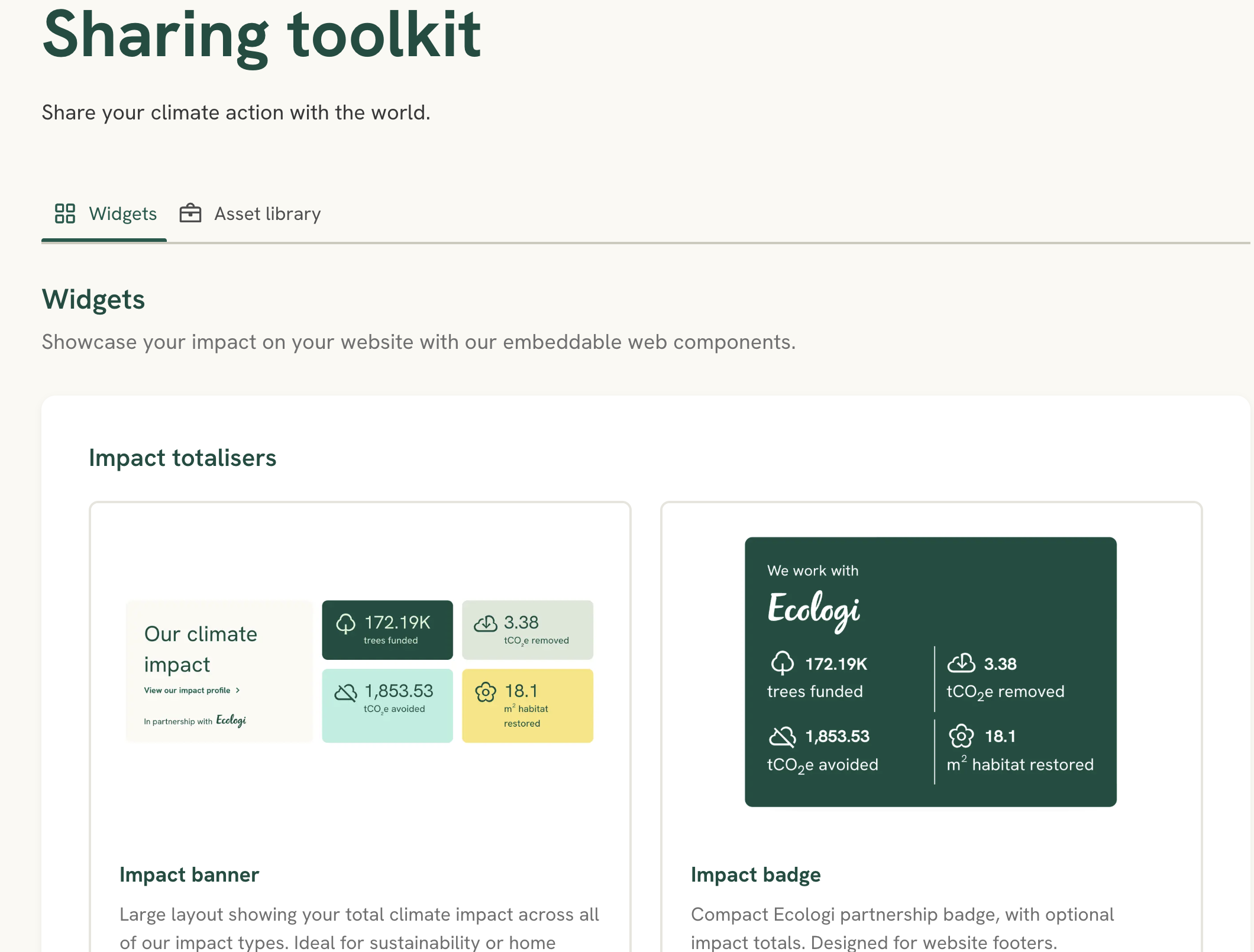
You can add live impact badges to your website from Sharing toolkit → Widgets - for example an Impact Badge for your footer. See ‘Accessing Ecologi media content for your business’ for the full range of widgets.