
You can download a report of all the impact you've funded over any date range, as a CSV spreadsheet, from the Impact area.
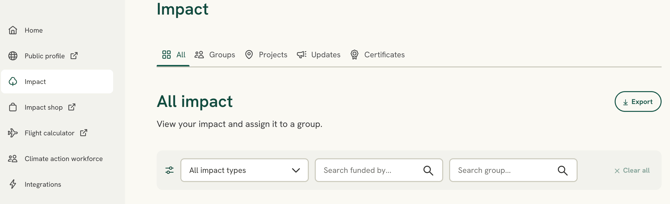
Downloading your report- In the left-hand menu, select Impact.
- On the All tab, select Export (top right).
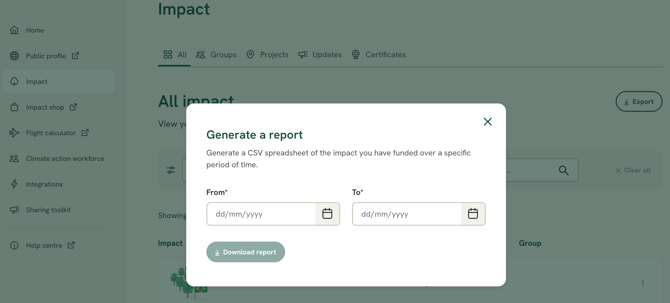
Pending impact: the export always includes pending impact (impact you've funded via na API/integration, that isn't confirmed yet). Every row has a "Pending" column (Yes / No), and the totals show both amounts - for example, "200 trees funded, 1 pending". Pending impact also appears across the app and on your public profile, marked with a clock icon.