We're currently in the process of migrating customers to our new Ecologi app, which is live now in BETA. While the new app is being built out, some features are still only available in the legacy platform - so you can switch between the two at any time.
How to switch
There is a button in the navigation menu of both the old app and the new app that lets you switch between platforms instantly.
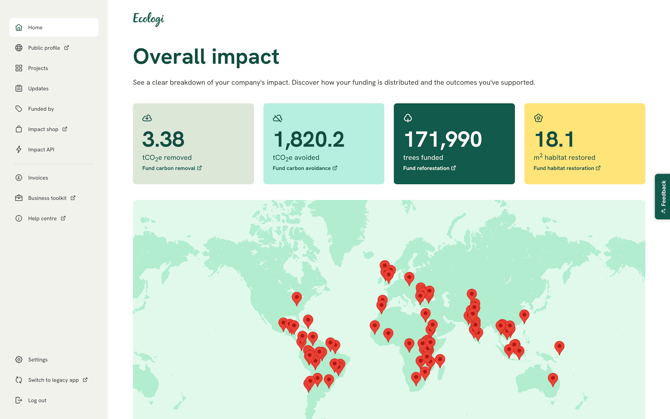
- From the new app: use the 'switch to legacy app' button in the bottom-left navigation menu to return to the legacy platform
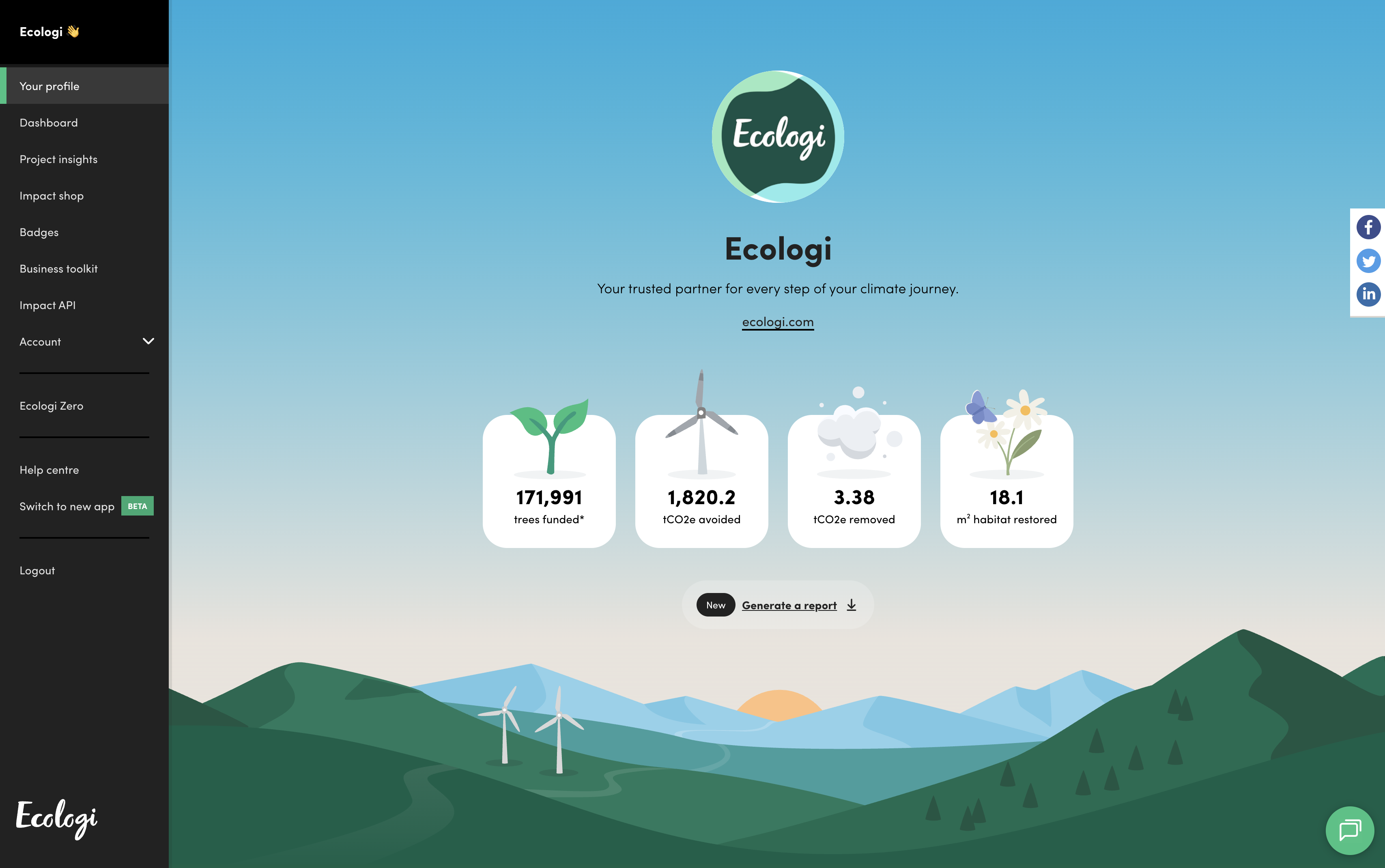
- From the legacy platform: use the 'switch to the new app' button in the bottom-left navigation menu to try the new app
Switching back to the legacy app
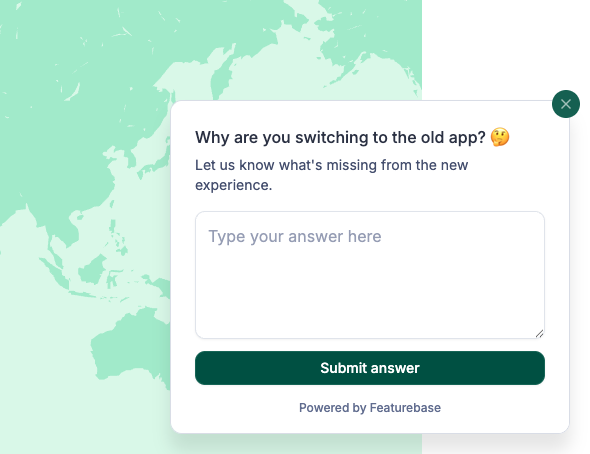
If you switch from the new app back to the legacy platform, we'll ask you why. This helps us understand which features still need to be built and where to focus our efforts - so the more honest your answer, the better the new app will be.